

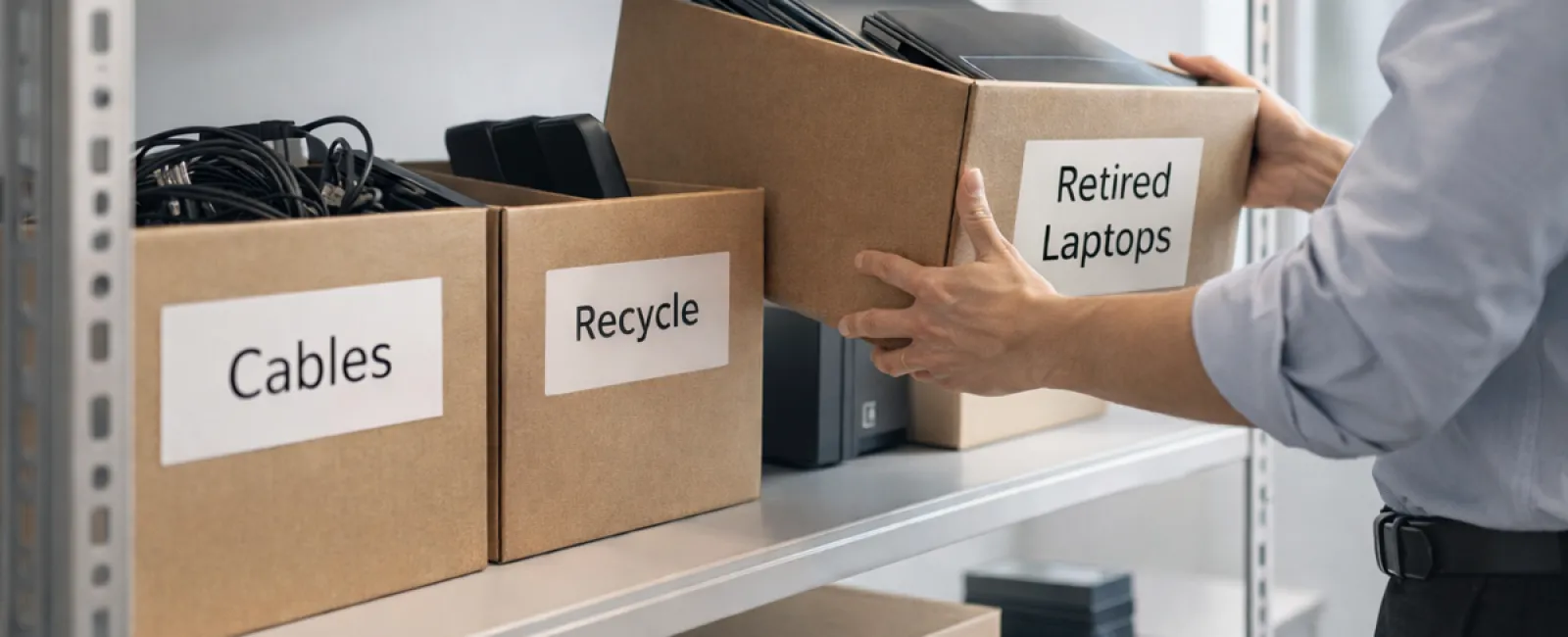
While many start spring cleaning with closets, most companies know the real clutter hides beyond just racks.
It may be tangled in server racks, stashed in storage rooms or back offices, or buried under piles labeled "to sort later."
Outdated laptops. Retired printers. Backup drives from long-past upgrades. Cables kept "just in case" but never used.
Every business collects this digital and physical debris over time.
The real question isn't if you have it, but if you've crafted a smart plan for what happens next.
The Lifecycle of Technology Extends Beyond Buying
Your reasons for upgrading gear are clear: faster speeds, better security, enhanced features, and supporting growth.
What many overlook is planning how to retire technology with equal care.
Retiring devices tends to happen quietly—an old computer replaced and set aside, gathering dust until someone finally clears it out.
This is common, but what's rare is approaching equipment retirement as intentionally as your initial purchase.
Used devices still hold value, recyclable materials, and sensitive data. Unmanaged, they clutter space and slow operations.
Springtime is perfect for evaluating what technology actively serves you and what's merely occupying room.
Four Smart Steps to Declutter Your Tech
Tired of vague intentions? Apply this clear four-step method to take control of your tech retirement process.
Step 1: Take Inventory
Identify what's ready to retire — laptops, phones, printers, network equipment, external drives? You can't manage what's unknown, and a walk-through often uncovers surprises.
Step 2: Choose Its Fate
Devices usually fall into reuse (internally or donated), certified recycling, or secure destruction when data sensitivity demands it. Decide deliberately to avoid forgotten hardware collecting dust.
Step 3: Properly Prepare Each Device
A little care here prevents headaches later.
For reused or donated gear, remove it from management systems, revoke user access, and perform thorough data wiping—not just factory resets. Deleting files or quick formats only mask data locations; the data itself remains recoverable.
Research from Blancco reveals 42% of resold drives on eBay still contain sensitive info despite seller claims, including personal tax and passport records. Certified erasure tools overwrite every sector and provide verification reports.
For recycling, rely on certified e-waste vendors—not dumpsters or curbside. Popular programs like Best Buy's are for households, not businesses. Commercial equipment needs certified IT asset disposition (ITAD) providers or business-focused e-waste recyclers with e-Stewards or R2 certification (searchable on e-stewards.org and sustainableelectronics.org). Your IT provider can often coordinate this.
If destruction is needed, use certified wiping or physical means like shredding or degaussing, keeping detailed records of serial numbers, methods, dates, and handlers.
This process isn't paranoia—it's responsible closure.
Step 4: Document and Move Forward
Once equipment leaves your premises, track where it went, how it was processed, and confirm access removal. Proper documentation answers lingering questions and records your diligence.
Devices Often Overlooked in Retirement
Laptops usually get attention, but many other devices silently hold risks.
Phones and tablets often retain email, contacts, and authentication apps. While factory resets remove most data, certified mobile wiping tools ensure thorough data erasure. Major brands like Apple and Samsung offer trade-in programs that can offset upgrade costs, even for older models.
Printers and copiers often contain internal hard drives storing every scanned, printed, copied, or faxed document. When returning leased devices, request written confirmation that these drives will be wiped or removed before redeployment.
Batteries are classified by the EPA as hazardous waste. Many states (like California, New York, and Minnesota) prohibit businesses from disposing of rechargeable batteries in regular trash. Remove batteries when possible, tape terminals to avoid shorts, and take them to certified drop-off points. Call2Recycle.org maps locations, and retailers like Staples, Home Depot, and Lowe's accept rechargeable batteries at most stores.
External drives and retired servers often linger in closets longer than intended and require the same deliberate retirement process as other devices.
Quick Thoughts on Responsible Recycling
Earth Day reminders in April are a good chance to remember responsible disposal.
Only 22% of over 62 million metric tons of electronic waste generated annually is recycled properly. Electronics like batteries, monitors, and circuit boards belong in certified recycling programs your community offers.
Handled the right way, retiring technology is tidy, green, and smart. Security and sustainability go hand in hand.
Sharing your company's quiet commitment to responsible tech retirement on social media earns respect and customer trust without fanfare.
Unlock Greater Potential with a Tech Review
Spring cleaning isn't just tossing stuff out. It's about creating room to thrive.
Clearing old hardware is only part of the picture. Take a step back and ask: does our technology truly support our business goals?
Hardware cycles through, but software, automation, and smart processes power productivity and profits.
Properly retiring old equipment is basic upkeep—aligning your tech stack with objectives propels your success.
How We Support Your Tech Strategy
If you're already retiring equipment effectively, that's fantastic—the right process feels smooth and routine.
At the same time, it's smart to review your bigger picture. Are your systems efficient? Do your tools integrate smoothly? Is your technology driving growth or just maintaining status quo?
We're here to discuss how your tech stack, workflows, and systems can boost productivity and profits.
No pressure. No equipment checklists. Just a practical conversation about optimizing your technology.
Click here or give us a call at 888-820-2992 to schedule your free 15-Minute Discovery Call.
If this inspired you, feel free to share it with fellow business owners.
Spring cleaning goes beyond closets—it includes the systems that power your business.