

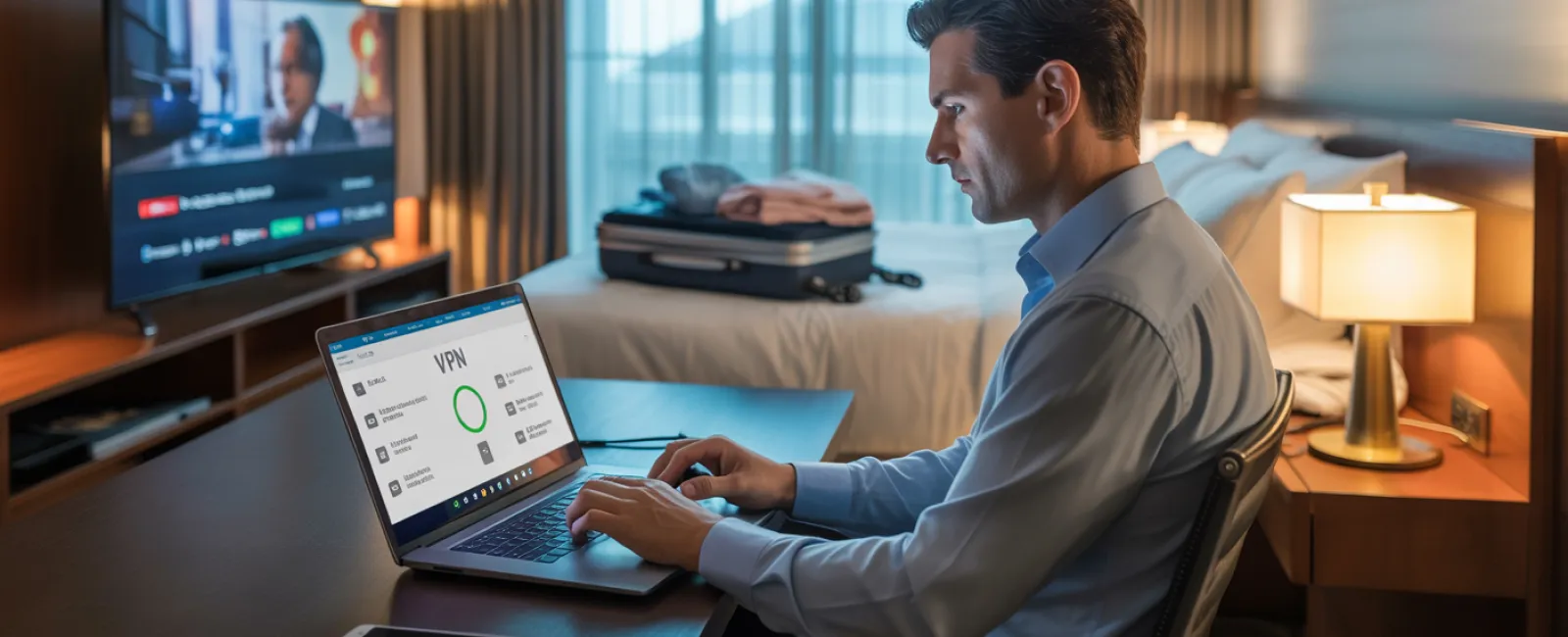
Imagine you're three hours into a five-hour holiday drive, and your daughter asks, "Can I play Roblox on your laptop?" Not just any laptop, but your work device housing sensitive client data and business information. You're exhausted from packing and facing hours more on the road. Entertaining her sounds tempting—but is it safe?
Holiday travel exposes your devices to security risks uncommon in everyday routines. Distractions, fatigue, unfamiliar WiFi networks, and mixing family moments with quick work checks all increase vulnerabilities. Whether it's a business trip, a family vacation, or both, here's how to protect your valuable data while keeping the holidays joyful.
Prep in 15 Minutes Before You Go
Spend a quarter-hour preparing your devices to stay secure on the road:
Essential Device Steps:
- Apply all pending security updates immediately
- Back up crucial files safely to the cloud
- Set automatic screen lock timers to two minutes or less
- Enable "Find My Device" on all smartphones and laptops
- Fully charge portable power banks
- Bring your own charging cables and adapters to avoid missing essentials
Discuss Device Rules with Family:
- Clarify which tech devices kids are allowed to use—and which are off limits
- Provide a shared family tablet or secondary device solely for entertainment
- Create separate, restricted user accounts on your laptop if kids must use it
Pro tip: If your kids need device time during travel, bring a tablet unlinked to your work accounts. Investing in a $150 iPad is a small price to prevent costly data breaches.
Hotel WiFi: Avoid Common Pitfalls
Once you arrive at the hotel, it's tempting for everyone to jump onto the free WiFi—phones, tablets, laptops, gaming devices. Kids stream cartoons; your spouse checks messages; you rush to finalize a work proposal.
However, hotel WiFi is a shared network, often used by dozens or hundreds of guests, some with malicious intent.
True story: A family mistakenly connected to a fraudulent WiFi network posing as their hotel's. For two whole days, attackers intercepted all their online activity—including passwords and credit card details.
How to Secure Your Connection:
Confirm the official network name with front desk staff—never rely on guessing.
Use a VPN for all work-related activities to encrypt your internet traffic.
For sensitive tasks like banking, use your phone's hotspot instead of public WiFi.
Separate work from leisure: Let kids stream on hotel WiFi, but conduct professional work using secure mobile data.
Why Sharing Your Work Laptop Isn't Worth It
Your work computer has access to emails, bank accounts, client data, and business tools. Kids wanting to watch videos or play games on it seems harmless but can lead to security risks.
Here's why it matters: Kids might inadvertently download malware, click on harmful pop-ups, share passwords, or forget to log out—none of which is malicious but can compromise your work environment.
Solutions to Protect Your Work Devices:
Politely decline sharing your work laptop: Say, "This is my work device, but here is another device for you to use," and stick to that boundary.
If sharing is absolutely necessary:
- Set up a separate user account with limited permissions
- Supervise all activities closely
- Block downloads entirely
- Never save passwords on the laptop
- Clear browsing history once they're done
Even better: Bring a dedicated family device for travel—an older tablet or laptop not linked to work accounts works perfectly.
Be Careful with Streaming on Hotel TVs
Your family enjoys a movie on Netflix via the hotel's smart TV. But if someone logs into your account and you forget to sign out before checkout, the next guest could access your streaming service. Even worse, if you reuse passwords elsewhere (please don't!), hackers might exploit that.
How to Prevent This:
- Use your own device to cast shows to the TV — this limits account exposure
- If logging into the TV is necessary, set a reminder on your phone to log out before leaving
- Best of all, download shows to your devices ahead of travel to avoid TV logins completely
Avoid logging into the following on hotel TVs:
- Banking apps
- Work accounts
- Email
- Social media
- Accounts storing payment information
Lost Device? Act Fast to Protect Your Data
Travel chaos means devices can be forgotten or lost—in hotel rooms, rental cars, or airports. If your device goes missing:
Within the first hour:
- Use "Find My Device" to locate it immediately
- If unrecoverable, remotely lock the device
- Change passwords on all critical accounts from another device
- Inform your IT department or service provider to revoke system access
- If sensitive business data was stored, notify any affected clients or partners
Make Sure Your Device Is Prepared Before You Travel:
- Enable remote tracking features
- Set strong password protection
- Use automatic data encryption
- Enable the ability to remotely wipe data
Lost device belonging to a family member? Follow the same security steps to mitigate risks.
Beware the Rental Car Bluetooth Data Trap
Connecting your phone to rental car Bluetooth is convenient for calls and music, but the car logs contacts, recent calls, and even text previews. This data often remains accessible to subsequent drivers.
Quick 30-Second Tip Before Returning:
- Remove your phone from the car's Bluetooth devices
- Clear all recent GPS destinations
- Or skip Bluetooth altogether—use an aux cable or offline music apps
Setting Boundaries Between Work and Vacation
Mixing work with family time can cause stress—checking email dozens of times, taking impromptu calls, and sneaking in laptop work while others enjoy activities. Besides family tension, this shifting focus compromises security vigilance due to distractions and risky behaviors such as connecting to public WiFi without protection.
Here's practical advice:
- Limit work email checks to two scheduled times daily
- Use your phone's hotspot, not hotel WiFi, for work tasks
- Work privately in your hotel room rather than in public spaces
- Be fully present with your family during quality time—avoid multitasking
The best security? Take a genuine break. Your business will survive a week offline, and you'll return more alert and secure.
Adopt a Thoughtful Holiday Travel Security Mindset
Blending family and work travel is rarely seamless. Sometimes your child truly needs your laptop; other times you must quickly address urgent work. The goal isn't flawless behavior—it's proactive risk management:
- Prepare devices thoroughly before departure
- Recognize high-risk activities (e.g., banking on hotel WiFi) versus safer options (e.g., using hotspots)
- Establish clear barriers between work and leisure device use
- Have an emergency plan ready if security is compromised
- Know when to firmly say, "No, not on this device," and enforce it
Ensure This Holiday Is Memorable for All the Right Reasons
The holidays are about cherishing loved ones—not handling data breaches or apologizing to clients over security lapses. With just a bit of foresight and clear rules, you can safeguard your business without sacrificing family fun. Everyone enjoys the season—stress-free and secure.
Need help crafting travel-friendly security policies for your team and family? Click here or call 888-820-2992 to schedule your complimentary 15-Minute Discovery Call. Together, we'll build practical protocols that protect your business without complicating travel.
Because the best holiday story shouldn't be about "Remember when Dad's laptop got hacked?"